Skip to product information

Shop now


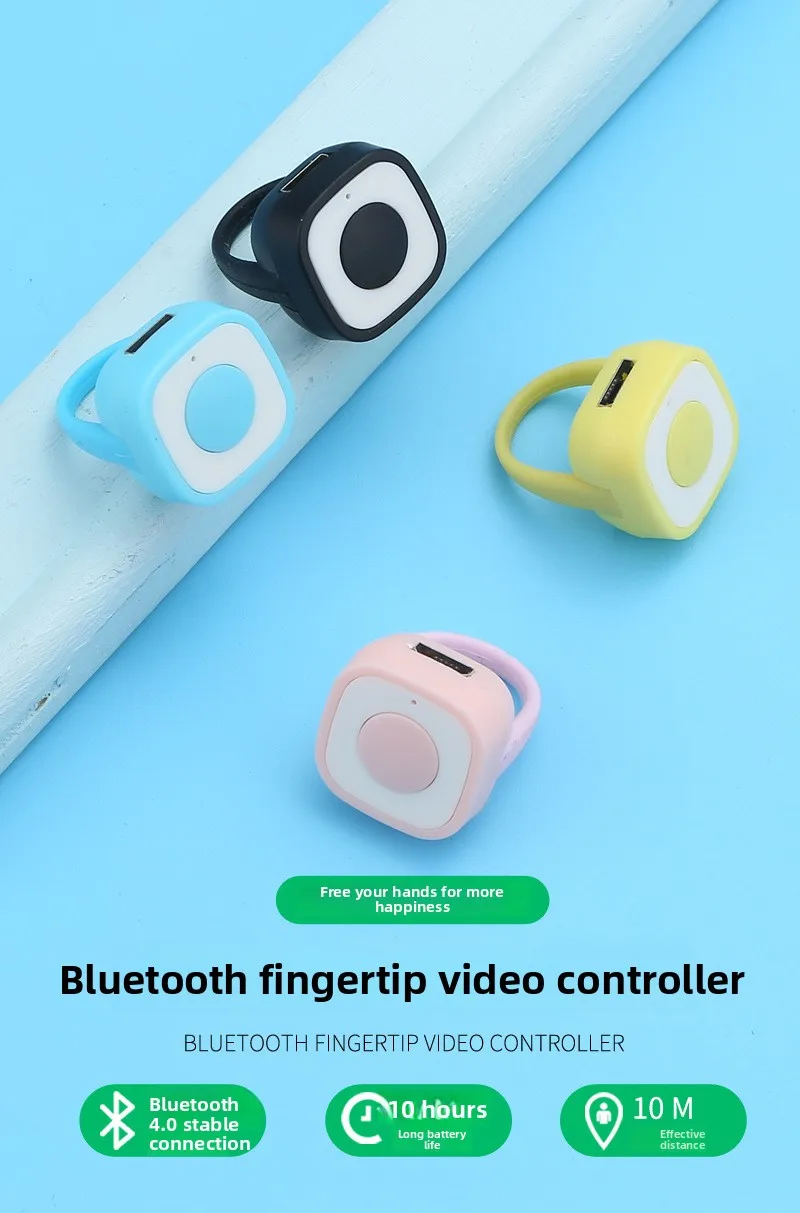
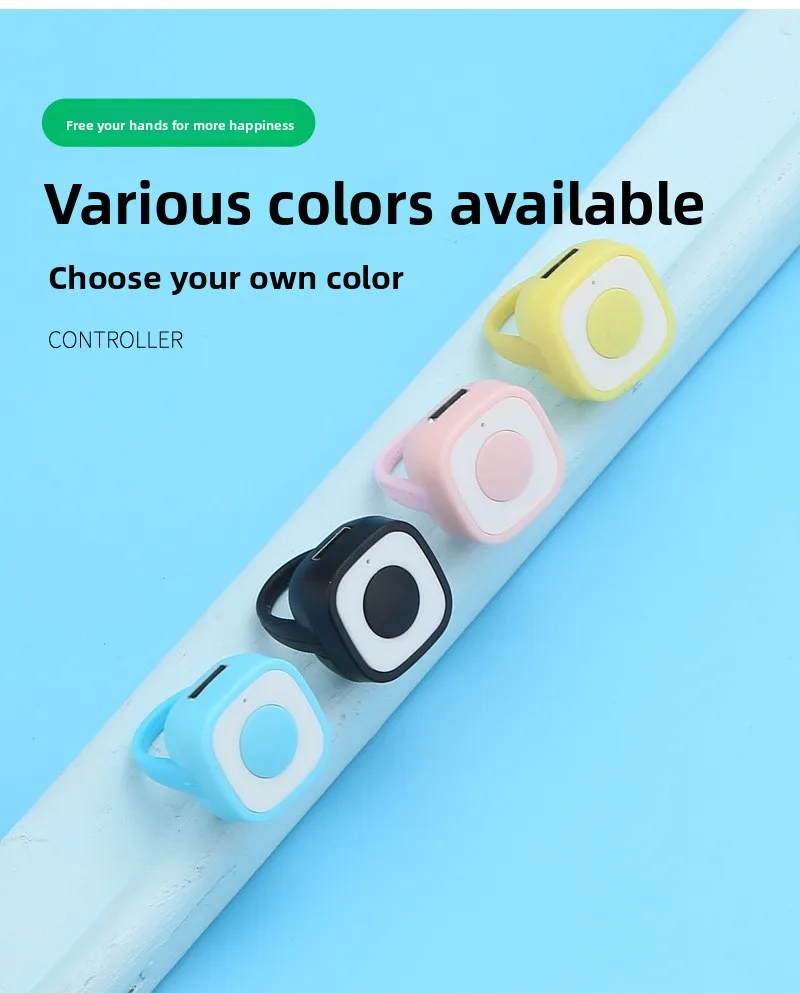
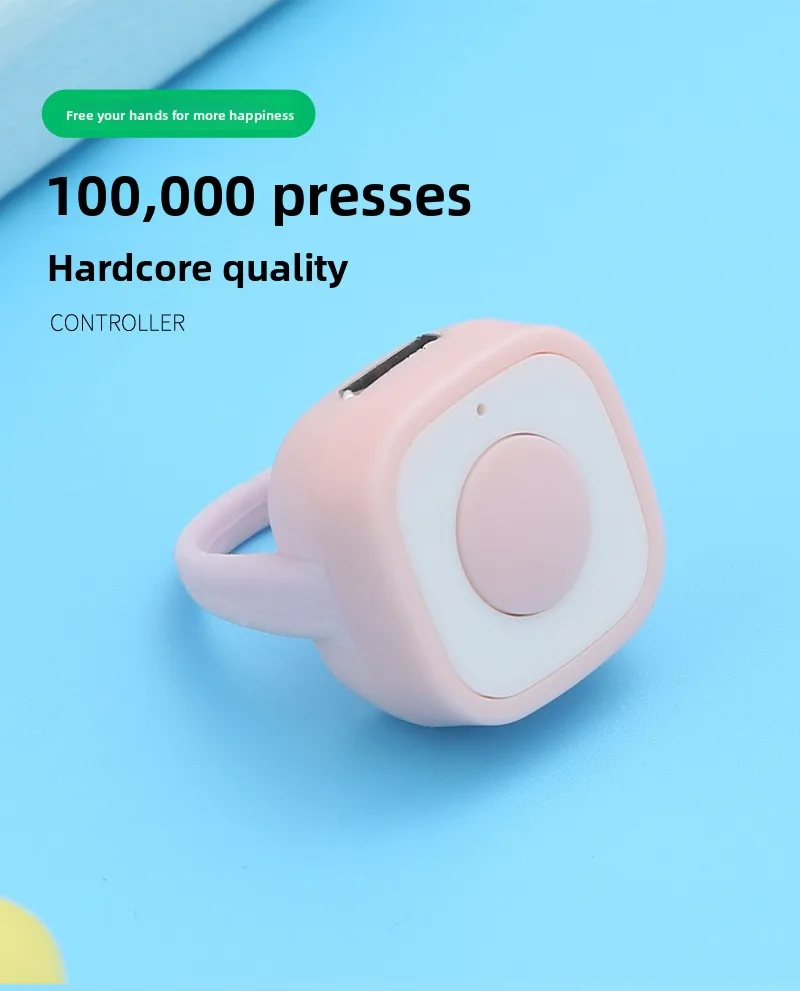
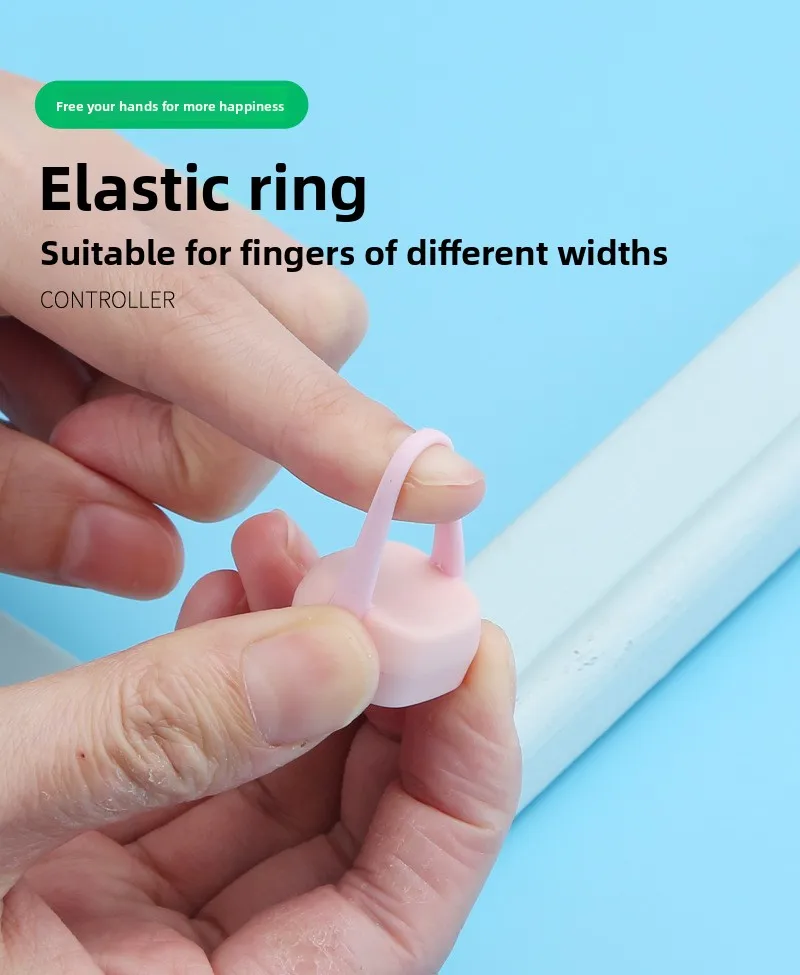
Mini Fingertip Phone Bluetooth Remote Control for Tiktok Short Video Flip Page Liking Device Ring Selfie Device Take Photo Video
Mini Fingertip Phone Bluetooth Remote Control for Tiktok Short Video Flip Page Liking Device Ring Selfie Device Take Photo Video
Sale price
$22.73
Regular price
$60.60
SPECIFICATIONS
Battery Included: Yes
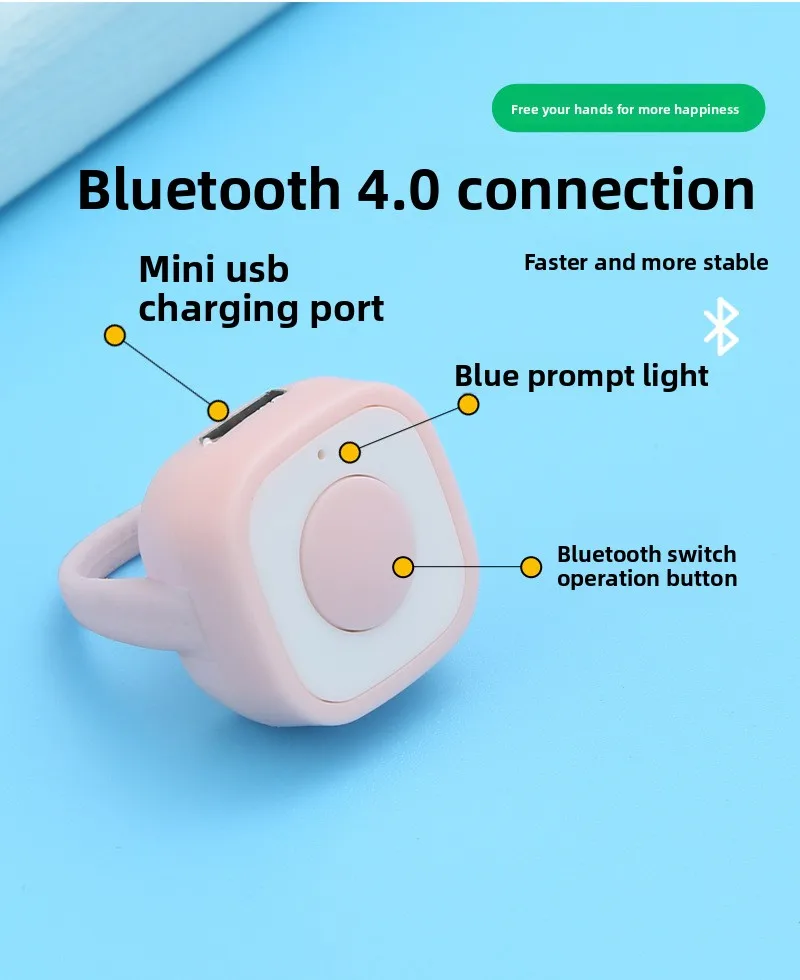
Bluetooth type: 4.0
Brand Name: OPUYYM
Certification: CE,RoHS
Communication method: Bluetooth-Compatible
Does It Includes Wireless Communication: NO
High-concerned chemical: None
Inbox adaptor: NO
Model: Fingertip ZL-01
Origin: Mainland China
Power Source: Other,Other
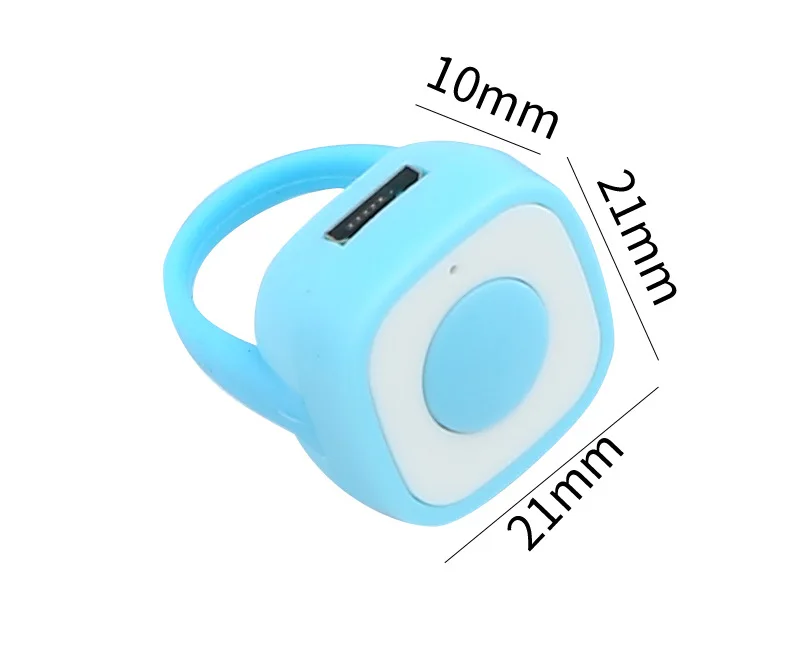
material: ABS + Silicone
weight: About 4 grams
Single Key option Product Instructions
Power On: Short-press the button to power on.
Connection Instructions: 1. Android - Hongmeng OS: Settings - Bluetooth (On) - Search for available devices, connect to Bluetooth device ZL-01.
2. iOS: Settings - Bluetooth (On) - Search for available devices, connect to Bluetooth device ZL-01. Open Settings - Accessibility - Touch -
Assistive Touch (On) - Always Show Menu (On) - Gesture Touch (On) - Tracking Sensitivity (adjust the turtle to one-third of the setting).
Operation Instructions:
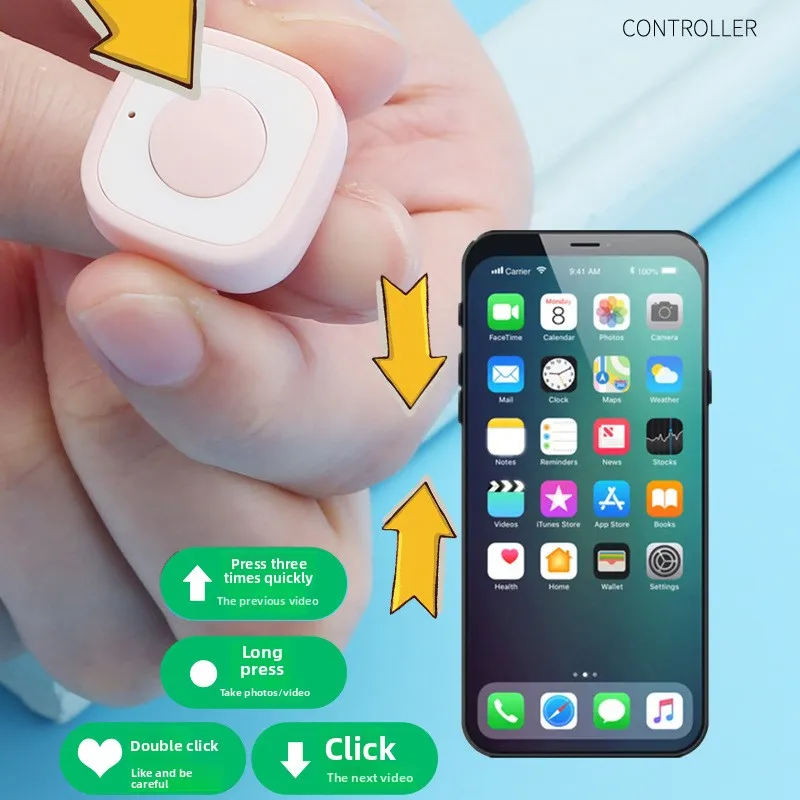
Single Press: Scroll Down
Quickly Press 2 Times: Like
Quickly Press 3 Times: Scroll Up
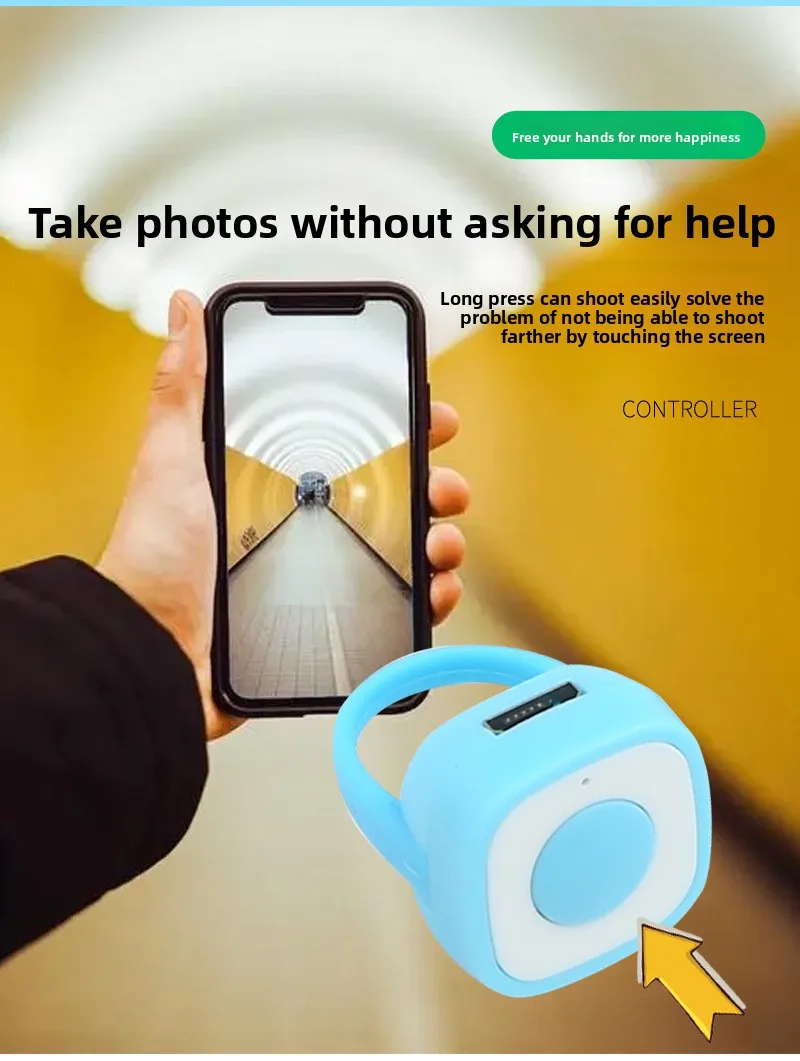
Long Press: Photo/Video Recorder
Note:Single Key option not have Pause button and pause function
Powered Off (The following four conditions will cause the device to enter Power Off mode): Powered on for more than 90 seconds without pairing;
The device is too far from the phone, resulting in a continuous signal interruption for more than 90 seconds; The phone actively disconnects Bluetooth for more than 0.5 seconds;
The device automatically shuts down after 10 minutes of inactivity after Bluetooth pairing and signal connection. Charging Indicator: The red indicator light stays on during charging.
It automatically turns off when fully charged. Low Battery Warning: The red light stays on.
Bluetooth Name: ZL-01
Note: Please fully charge the battery for the first time (approximately 15 minutes).
3-button option Product Instructions
Power on: Short-press the button to power on.
Connection Instructions: 1. For Android and Hongmeng OS: Go to Settings > Bluetooth (On) > Search for available devices, then connect to the Bluetooth device named ZL-03.
For iPhone: Go to Settings > Bluetooth (On) > Search for available devices named ZL-03, then connect to the Bluetooth device named ZL-03. Open Settings > Accessibility >
Touch > Assistive Touch (On) - Always Show Menu (On) - Perform Gesture Touch (On) - Tracking Sensitivity (adjust the small turtle to one-third of the way).
Instructions:
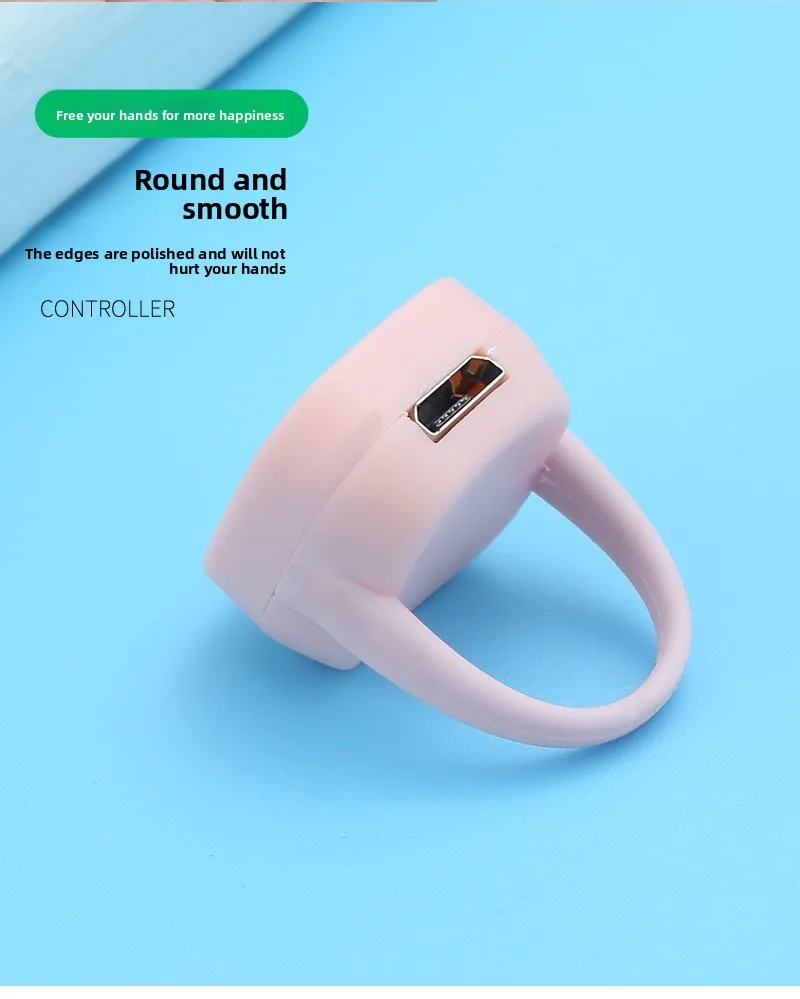
1) Wearing: Charging port facing outward, indicator light on the right.
2) Power on: Short press the middle button.
3) Operation: Up button single-click to go up, double-click to go left. Middle button single-click to pause, double-click to like, long press to take a photo. Down button
single-click to go down, double-click to go right.
Power off (this state will be turned off in the following four situations): Power on for more than 90 seconds without pairing; The device is too far from the phone,
resulting in a continuous signal loss for more than 90 seconds; The phone actively disconnects Bluetooth for more than 0.5 seconds;
The device automatically shuts down after no operation for more than 15 minutes while paired and connected.
Charging Indicator: The red indicator is solid red during charging. The indicator automatically turns off when fully charged. Low Battery Alert:
The red light is solid red. Bluetooth Name: ZL-03. Note: Please fully charge the device for the first time (approximately 15 minutes).
Power On: Short-press the button to power on.
Connection Instructions: 1. Android - Hongmeng OS: Settings - Bluetooth (On) - Search for available devices, connect to Bluetooth device ZL-01.
2. iOS: Settings - Bluetooth (On) - Search for available devices, connect to Bluetooth device ZL-01. Open Settings - Accessibility - Touch -
Assistive Touch (On) - Always Show Menu (On) - Gesture Touch (On) - Tracking Sensitivity (adjust the turtle to one-third of the setting).
Operation Instructions:
Single Press: Scroll Down
Quickly Press 2 Times: Like
Quickly Press 3 Times: Scroll Up
Long Press: Photo/Video Recorder
Note:Single Key option not have Pause button and pause function
Powered Off (The following four conditions will cause the device to enter Power Off mode): Powered on for more than 90 seconds without pairing;
The device is too far from the phone, resulting in a continuous signal interruption for more than 90 seconds; The phone actively disconnects Bluetooth for more than 0.5 seconds;
The device automatically shuts down after 10 minutes of inactivity after Bluetooth pairing and signal connection. Charging Indicator: The red indicator light stays on during charging.
It automatically turns off when fully charged. Low Battery Warning: The red light stays on.
Bluetooth Name: ZL-01
Note: Please fully charge the battery for the first time (approximately 15 minutes).
3-button option Product Instructions
Power on: Short-press the button to power on.
Connection Instructions: 1. For Android and Hongmeng OS: Go to Settings > Bluetooth (On) > Search for available devices, then connect to the Bluetooth device named ZL-03.
For iPhone: Go to Settings > Bluetooth (On) > Search for available devices named ZL-03, then connect to the Bluetooth device named ZL-03. Open Settings > Accessibility >
Touch > Assistive Touch (On) - Always Show Menu (On) - Perform Gesture Touch (On) - Tracking Sensitivity (adjust the small turtle to one-third of the way).
Instructions:
1) Wearing: Charging port facing outward, indicator light on the right.
2) Power on: Short press the middle button.
3) Operation: Up button single-click to go up, double-click to go left. Middle button single-click to pause, double-click to like, long press to take a photo. Down button
single-click to go down, double-click to go right.
Power off (this state will be turned off in the following four situations): Power on for more than 90 seconds without pairing; The device is too far from the phone,
resulting in a continuous signal loss for more than 90 seconds; The phone actively disconnects Bluetooth for more than 0.5 seconds;
The device automatically shuts down after no operation for more than 15 minutes while paired and connected.
Charging Indicator: The red indicator is solid red during charging. The indicator automatically turns off when fully charged. Low Battery Alert:
The red light is solid red. Bluetooth Name: ZL-03. Note: Please fully charge the device for the first time (approximately 15 minutes).